Signup/ Register
1. Open LockedIn
Launch the LockedIn app to get started.
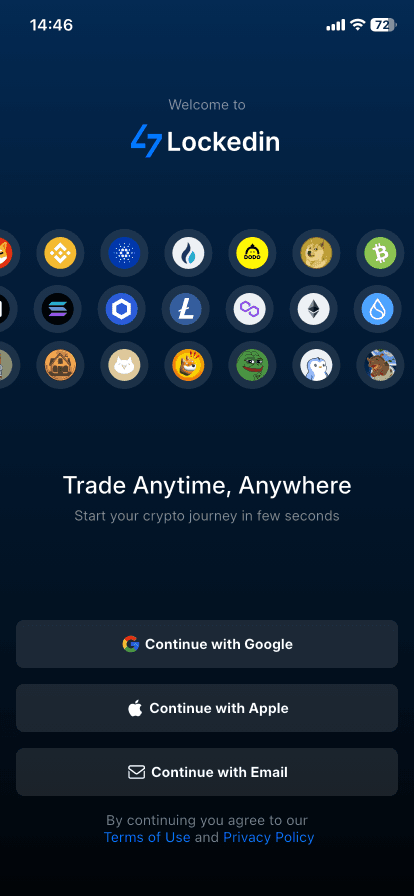
2. Choose a sign-up method
Select one of the following:
- Continue with Apple
- Continue with Google
- Continue with Email
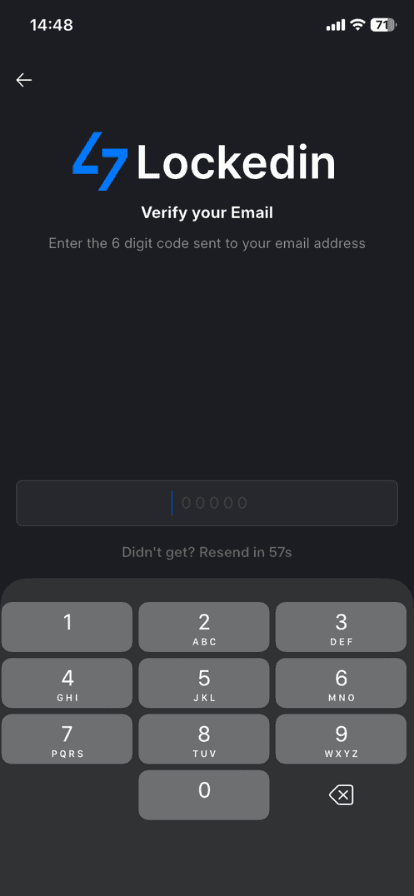
3. Verify your email (Email only)
- Enter your email address
- Input the 6-digit verification code sent to your inbox
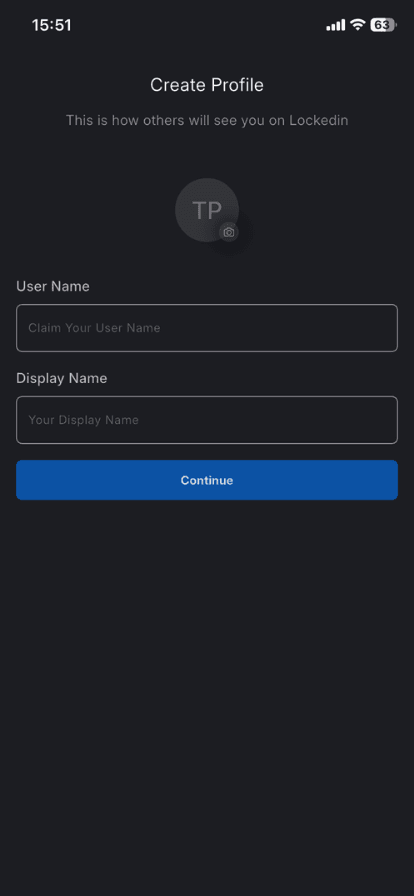
4. Create your profile
Set up how you appear on LockedIn:
- Upload your profile picture
- Username – your unique handle on the platform
- Display Name – the name shown publicly
Tap Continue when you’re done.
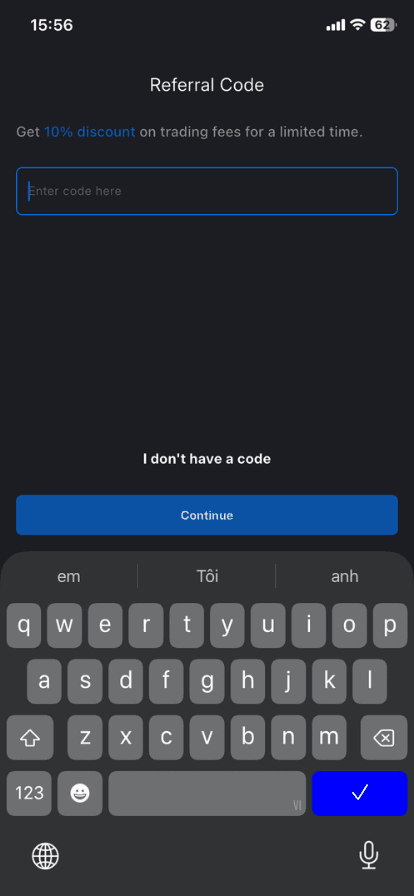
5. Enter a referral code (Optional)
Add a referral code to receive trading fee benefits, or skip this step.
Follow the remaining onboarding steps by following top traders and turning on notifications.


Once onboarding is complete, you can deposit funds to begin trading.